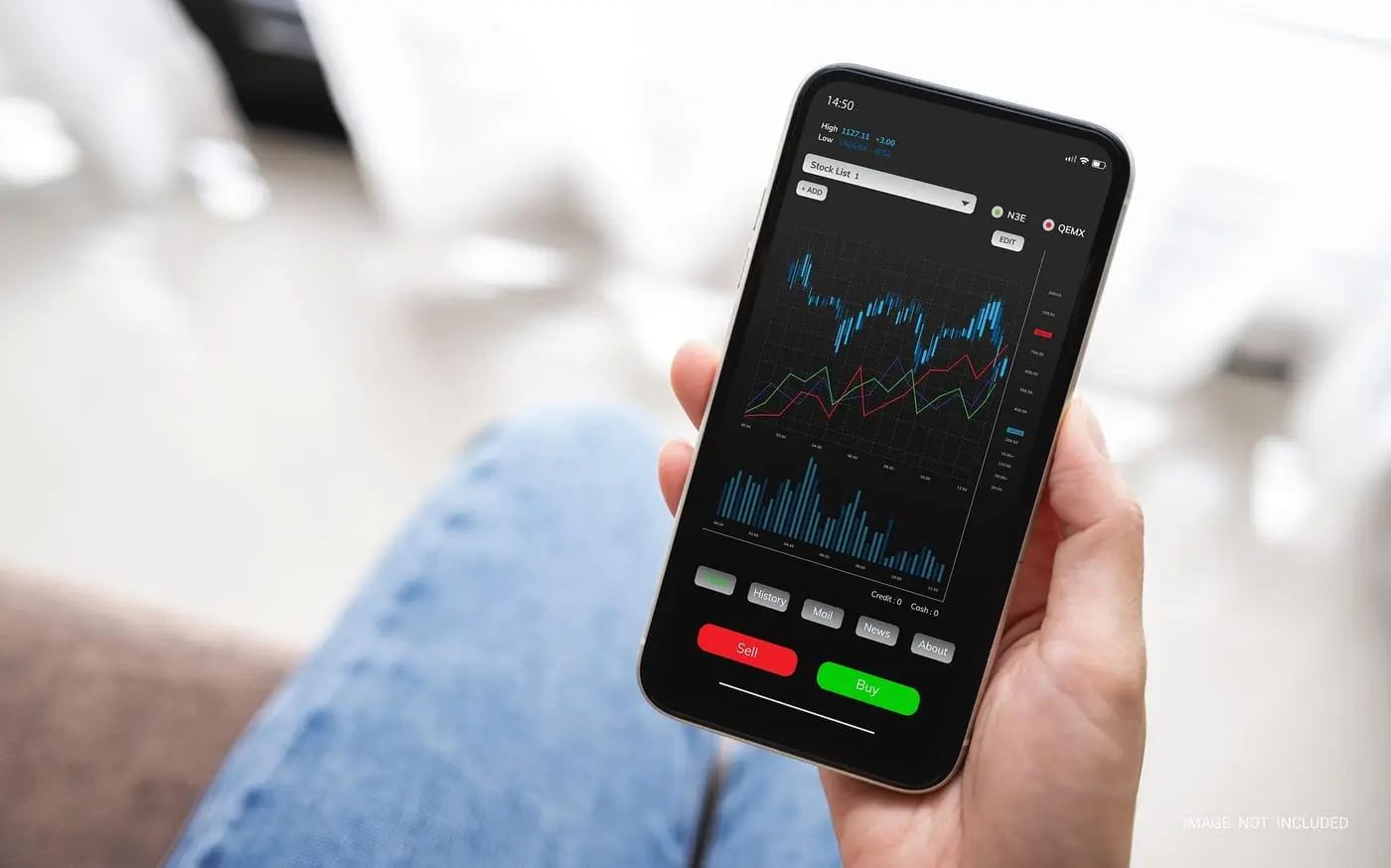
Choosing a crypto app in New Zealand comes down to three questions that have nothing to do with how the interface looks: can it take and return New Zealand dollars, does it let you place a limit order, and will it give you a complete transaction export in July. Everything else is decoration.
What actually differs between apps
The visible differences — colour schemes, chart styles, portfolio pie graphs — are close to irrelevant. The differences that cost or save money are structural.
Fiat rails. An app that cannot deposit and withdraw New Zealand dollars is an app with a hole in it, and you will find the hole at the worst time. Swyftx settles through Kiwibank; Independent Reserve holds NZD accounts. Coinbase, Kraken and Binance all have limitations here that our comparison sets out.
Execution options. Some apps only offer an instant buy at a quoted price. Others expose a full order book. The second saves money on any purchase above a few hundred dollars, and the gap compounds if you buy regularly.
Export quality. A complete CSV with dates, quantities, New Zealand dollar values, fees and counterparties is the difference between an hour of tax work and a weekend of it. Test this before you accumulate three years of trades. Easy Crypto customers had a limited window to download their history when the platform closed — that lesson generalises.
| If you | You need | Which means |
|---|---|---|
| Buy monthly and hold | Recurring purchases, free NZD deposits, clean exports | An app with local banking; ignore advanced charting entirely |
| Trade actively | Order book, limit orders, volume-tiered fees | An exchange rather than a retailer; expect worse tax admin |
| Buy once, then self-custody | Cheap withdrawal, wallet address whitelisting | Check the network withdrawal fee, which varies widely |
| Want to spend crypto | A card product and merchant tools | See our crypto cards page — and read the tax section |
The interface traps
Apps are designed by people whose job is to increase trading volume, and the design reflects that. Three patterns are worth naming.
The instant buy button is always the most prominent element and almost always the most expensive execution. Finding the order book usually requires an extra tap into a "pro" or "advanced" view. That extra tap is worth roughly one percent on most purchases.
Price alerts and push notifications exist to bring you back into the app during volatility, which is precisely when people make their worst decisions. Turning them off is a legitimate investment strategy.
The portfolio percentage shown on the home screen is a return figure, not an after-tax figure. In New Zealand, a realised gain is income taxed at up to 39%. An app showing you up 40% is showing you a pre-tax number on a position you have not sold. Our calculator gives you the real one.
Security settings that actually matter
- Use app-based or hardware two-factor authentication, never SMS. SIM-swap attacks are real and New Zealand mobile numbers are not immune.
- Whitelist withdrawal addresses where the platform supports it, with a time delay on adding new ones.
- Use a unique email address for the account, ideally one not used publicly anywhere else.
- Enable biometric lock on the app itself, separate from the phone unlock.
- Install only from the official store listing you found yourself. Never from a link.
- Turn off clipboard access for anything you do not trust — clipboard-hijacking malware swaps wallet addresses.
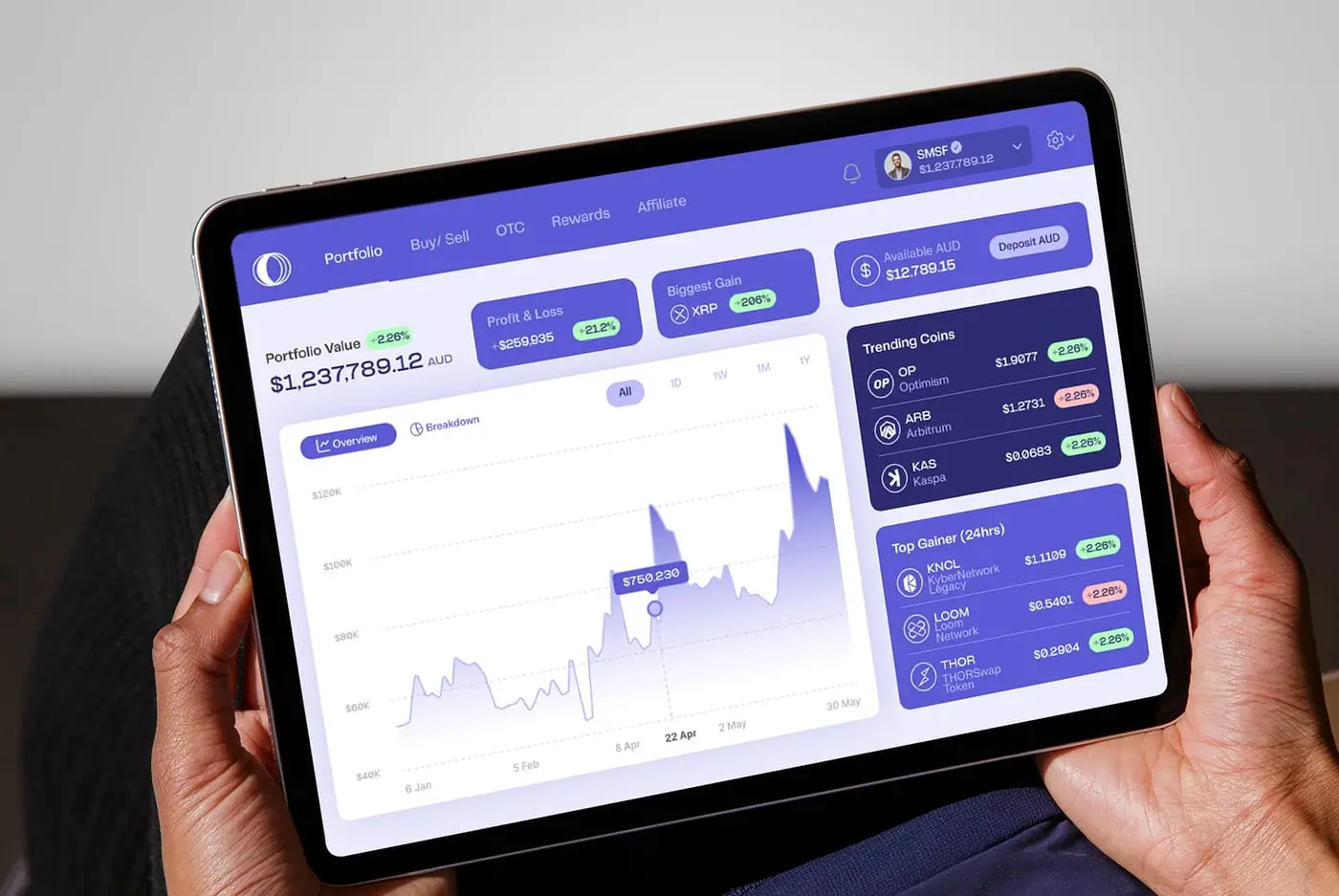
A note on fake apps
Fraudulent trading apps are a core component of the investment scams the Financial Markets Authority warns about. They look professional, they show real-time charts, and the balance they display grows convincingly. The money went into a wallet controlled by the operator the moment you deposited it.
The defence is procedural. Never install an app from a link sent by someone who contacted you. Verify the operating company on the Financial Service Providers Register before depositing, and check the FMA warning list. Withdraw a small amount early — a scam platform will usually permit a token withdrawal and then obstruct anything meaningful. Our scams page covers the full pattern set.
What we would actually do
Open an account on a platform with real New Zealand dollar rails, verify it fully, and set up two-factor authentication with an authenticator app before depositing anything. Test a small deposit, a small purchase, a small withdrawal to a wallet, and a small withdrawal back to the bank — all within the first week, while every number is trivial.
Then decide whether you are a buyer or a trader and configure accordingly. If you are a buyer, set a recurring purchase, turn off notifications, and open the app quarterly to export your history. If you are a trader, learn the limit order interface and read our trading page on what frequency does to your tax position — it is the part most active New Zealand traders discover far too late.